
Skip to content
ZeeshanSoft

Mobile App Development

Mobile apps for iOS and Android from one React Native codebase

React Native lets one codebase power both iOS and Android with native performance for most business apps. I build the app, the API behind it and handle App Store and Play Store submission.

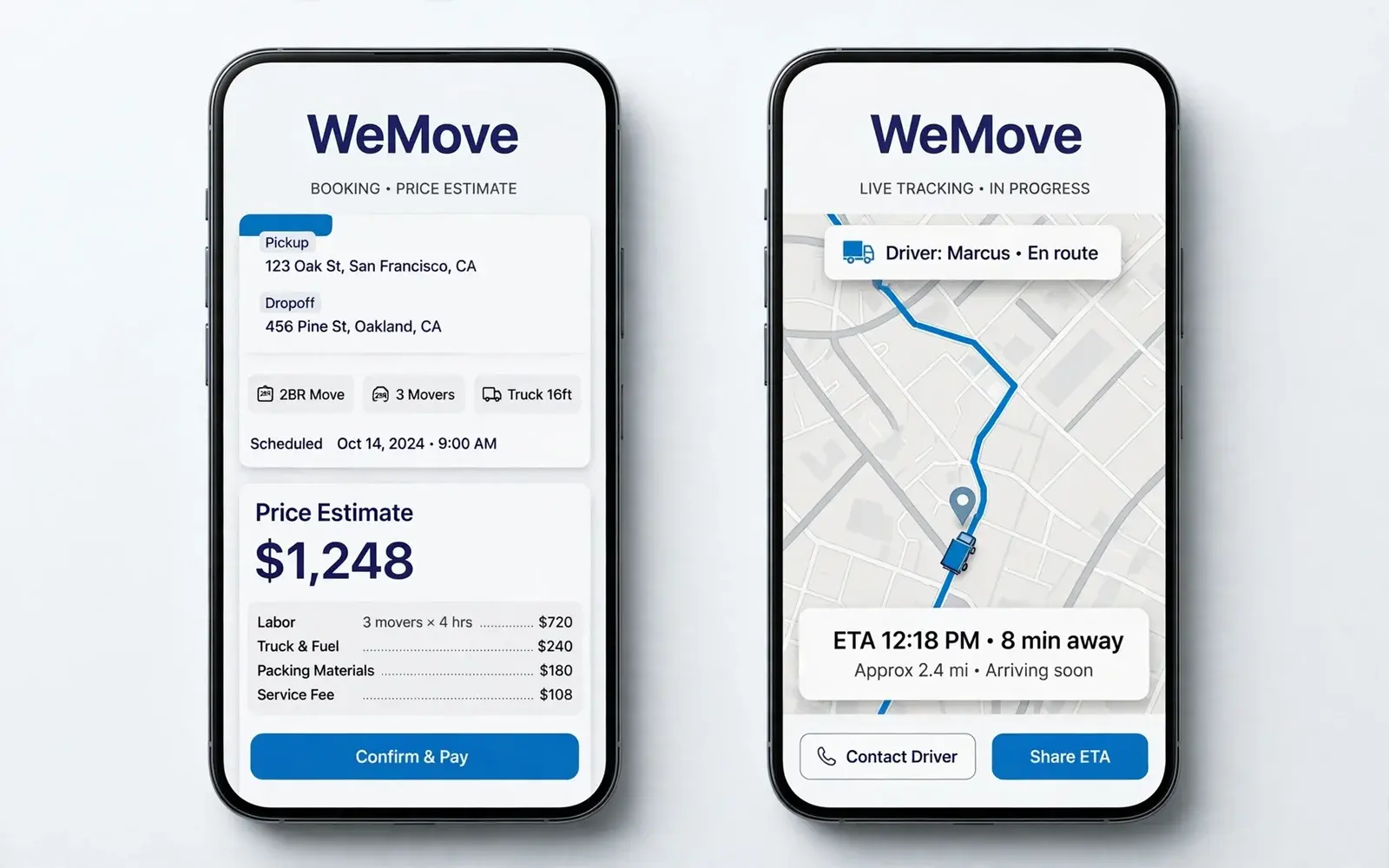
WeMove, Mobile App Development example
Case study: WeMove

Who needs Mobile App Development

  • Businesses adding a customer app to an existing service
  • Startups validating a mobile product
  • Companies with a web app that need a mobile companion

Problems Mobile App Development solves

  • Paying for two separate native codebases
  • Apps that feel slow or inconsistent across devices
  • Uncertainty about store guidelines and release process

Deliverables

What you get with Mobile App Development

  1. App UX flows and interface design

  2. React Native / Expo development for iOS and Android

  3. Backend API and admin panel

  4. Push notifications, offline support and maps where needed

  5. App Store and Google Play submission

  6. Post-launch updates and crash monitoring

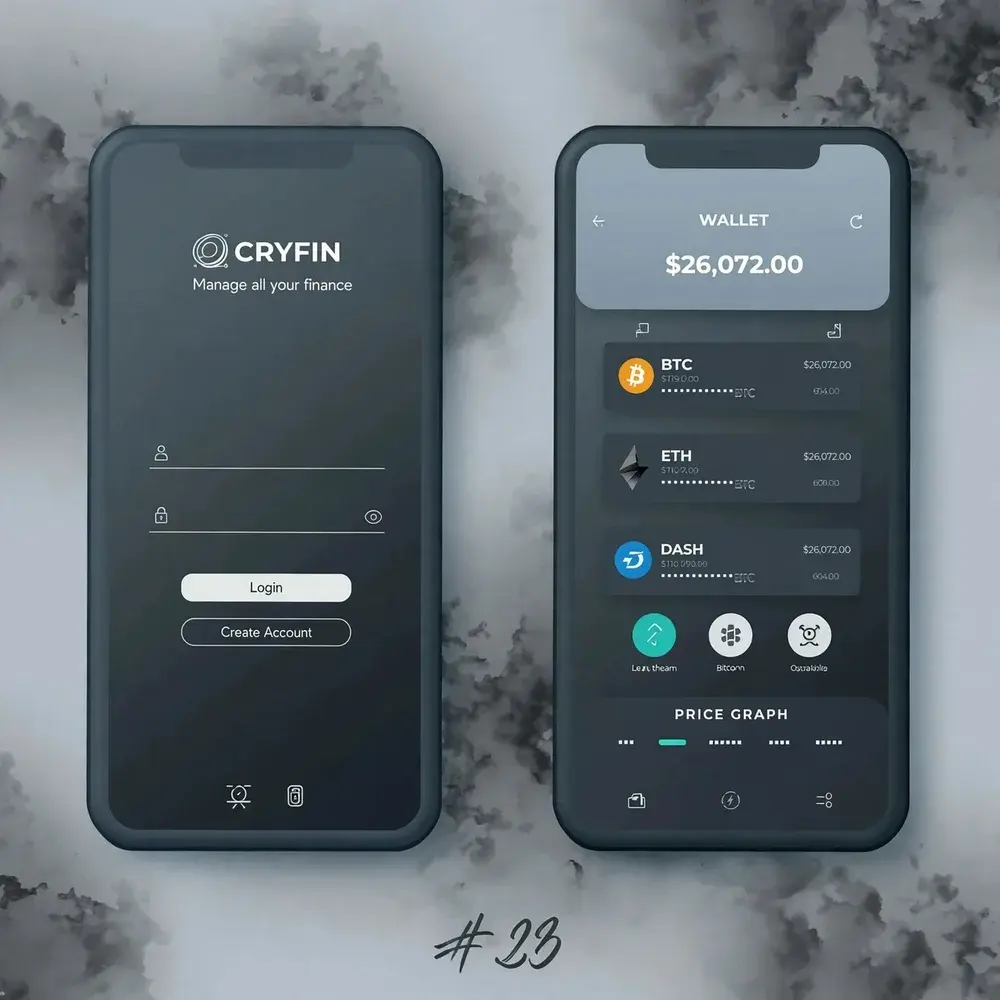
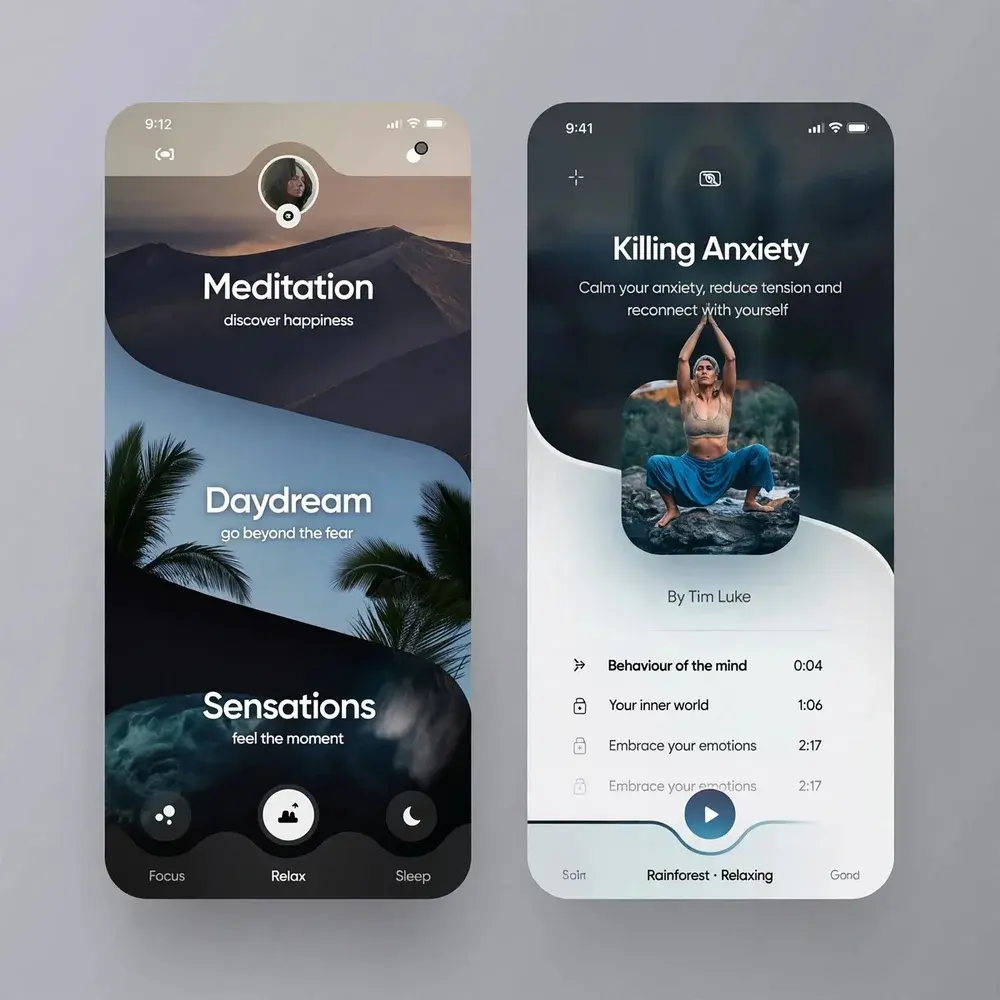
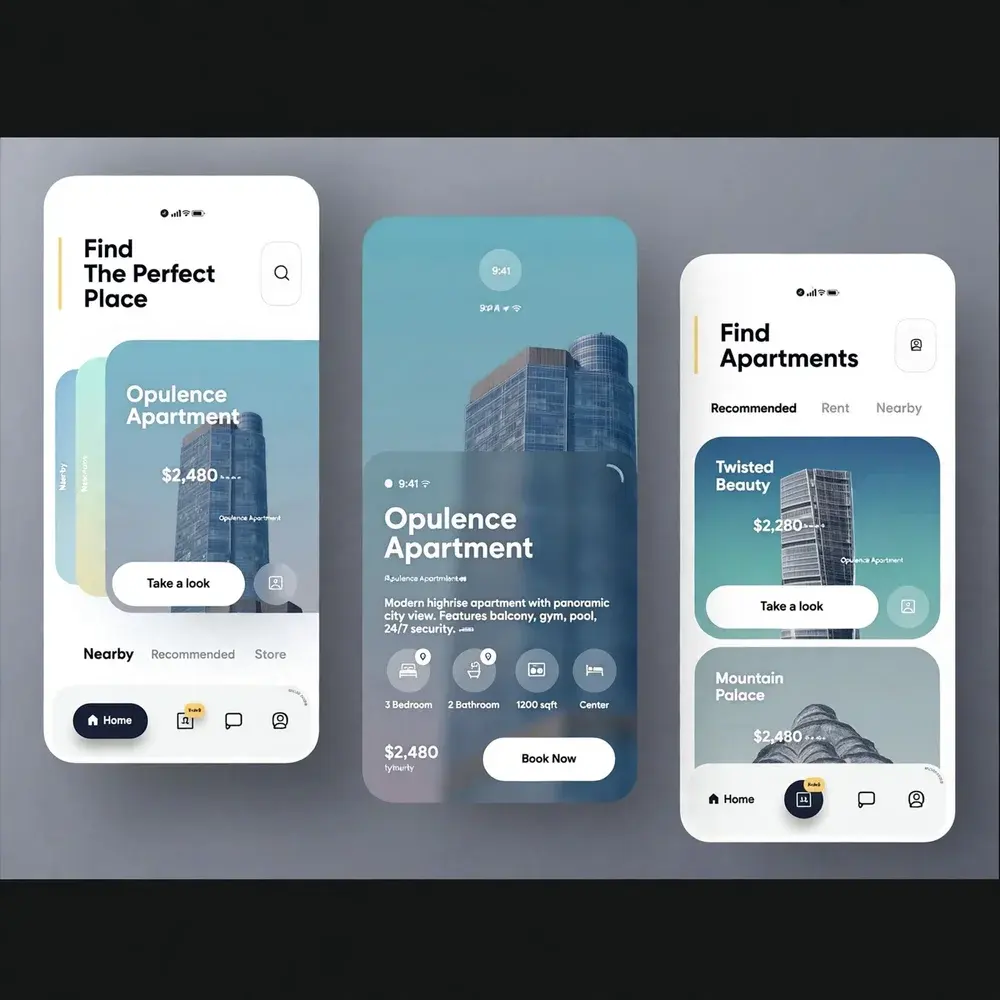
Mobile App Development illustration

Approach

How I approach Mobile App Development

Share logic, respect each platform

Business logic and most UI are shared; navigation patterns and details follow iOS and Android conventions where users expect them.

Plan the release, not just the build

Store accounts, privacy disclosures and review requirements are handled early so launch day is not delayed.

React Native is a strong fit for most business, booking, e-commerce and companion apps. Apps that depend heavily on advanced graphics or low-level hardware may need fully native development; I'll tell you honestly if that applies.

How projects run, step by step →

Process

Your Mobile App Development project, step by step

  1. 1

    Planning

    A call to understand your goals, users and requirements, then a written scope.

  2. 2

    Design

    Wireframes, then a prototype you can click through and approve.

  3. 3

    Development

    Built in stages on a staging link, with your feedback at each milestone.

  4. 4

    Launch

    Quality checks, testing, your approval — then go live.

  5. 5

    Maintenance

    Ongoing support, updates and improvements after launch.

iOS and Android from one codebase

I build mobile apps with React Native, which produces real native apps for both iOS and Android from a single codebase. For most business apps that means faster delivery, one set of features to maintain and the same experience on both platforms.

The WeMove moving app — booking, live tracking, pricing and reviews — is an example of this approach.

From idea to the app stores

A mobile app project covers:

  • Feature planning and an MVP scope
  • App design for both platforms
  • Backend API and admin dashboard
  • Push notifications, maps, camera and payments
  • Testing on real iOS and Android devices
  • App Store and Google Play submission
  • Updates and support after launch

Costs to plan for

Beyond development, budget for the Apple Developer Program (annual), Google Play registration (one-time), backend hosting and services such as maps or SMS, and yearly updates as iOS and Android change. These are explained in the app cost guide.

FAQ

Mobile App Development: common questions

Will one app really work on both iOS and Android?

Yes. React Native compiles to native components for both platforms from a shared codebase, with platform-specific adjustments where needed.

Do you publish the app to the stores?

Yes. I prepare builds, screenshots and metadata and submit to the App Store and Google Play under your developer accounts.

Planning a mobile app? Let's scope it.

Share a few details and get a clear, honest plan — usually within one business day.

Start a project