



Skip to content
ZeeshanSoft

Website Maintenance & Support

Website maintenance and support you can count on

Websites need care after launch: updates, backups, security patches and the steady stream of small changes a business needs. I keep sites healthy so you can focus on running the business.

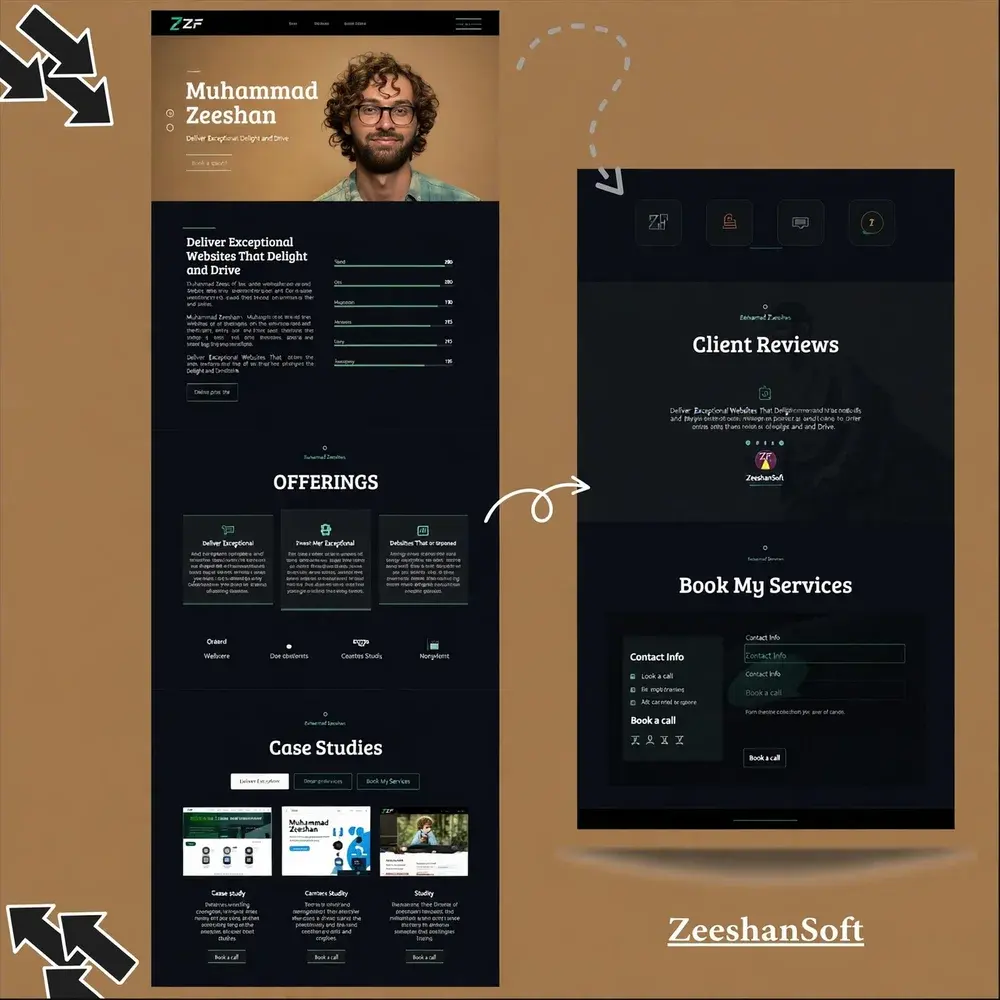
ZeeshanSoft Portfolio, Website Maintenance & Support example
Client work: ZeeshanSoft Portfolio

Who needs Website Maintenance & Support

  • Businesses without an in-house developer
  • Owners of WordPress sites that need regular updates
  • Teams needing a dependable developer on call

Problems Website Maintenance & Support solves

  • Outdated plugins and frameworks creating security risks
  • No recent backup when something goes wrong
  • Small changes waiting weeks for a developer

Deliverables

What you get with Website Maintenance & Support

  1. Core, plugin and dependency updates

  2. Scheduled backups and restore testing

  3. Uptime and security monitoring

  4. Bug fixes and content changes

  5. Monthly summary of work done

Website Maintenance & Support illustration

Approach

How I approach Website Maintenance & Support

Test before updating live

Updates are checked on a staging copy where possible, so they don't break the live site.

Fast, clear communication

Requests are acknowledged quickly and you always know what was changed.

How projects run, step by step →

Process

Your Website Maintenance & Support project, step by step

  1. 1

    Planning

    A call to understand your goals, users and requirements, then a written scope.

  2. 2

    Design

    Wireframes, then a prototype you can click through and approve.

  3. 3

    Development

    Built in stages on a staging link, with your feedback at each milestone.

  4. 4

    Launch

    Quality checks, testing, your approval — then go live.

  5. 5

    Maintenance

    Ongoing support, updates and improvements after launch.

Why maintenance isn't optional

Outdated plugins and frameworks are one of the most common ways websites get hacked. Beyond security, unmaintained sites slowly break: forms stop sending, payments fail after an API change, pages get slower. Regular maintenance catches these problems before customers do.

What a maintenance plan includes

A typical plan covers:

  • Monthly core, plugin and dependency updates, tested first
  • Daily or weekly off-site backups, with restore tests
  • Uptime monitoring and security scanning
  • A set amount of time for content changes and small fixes
  • A short monthly summary of what was done

FAQ

Website Maintenance & Support: common questions

Do you maintain sites you didn't build?

Yes. I start with a short review of the site to understand its setup and any existing risks.

How do I request changes?

By email or WhatsApp. Each request is acknowledged and you are told when it is complete.

Need someone to look after your website?

Share a few details and get a clear, honest plan — usually within one business day.

Start a project