




Skip to content
ZeeshanSoft

Next.js Development

Next.js development for sites that are fast and findable

Next.js combines React's flexibility with server rendering and static generation. I use it for marketing sites, content hubs and web applications where speed and search visibility directly affect revenue.

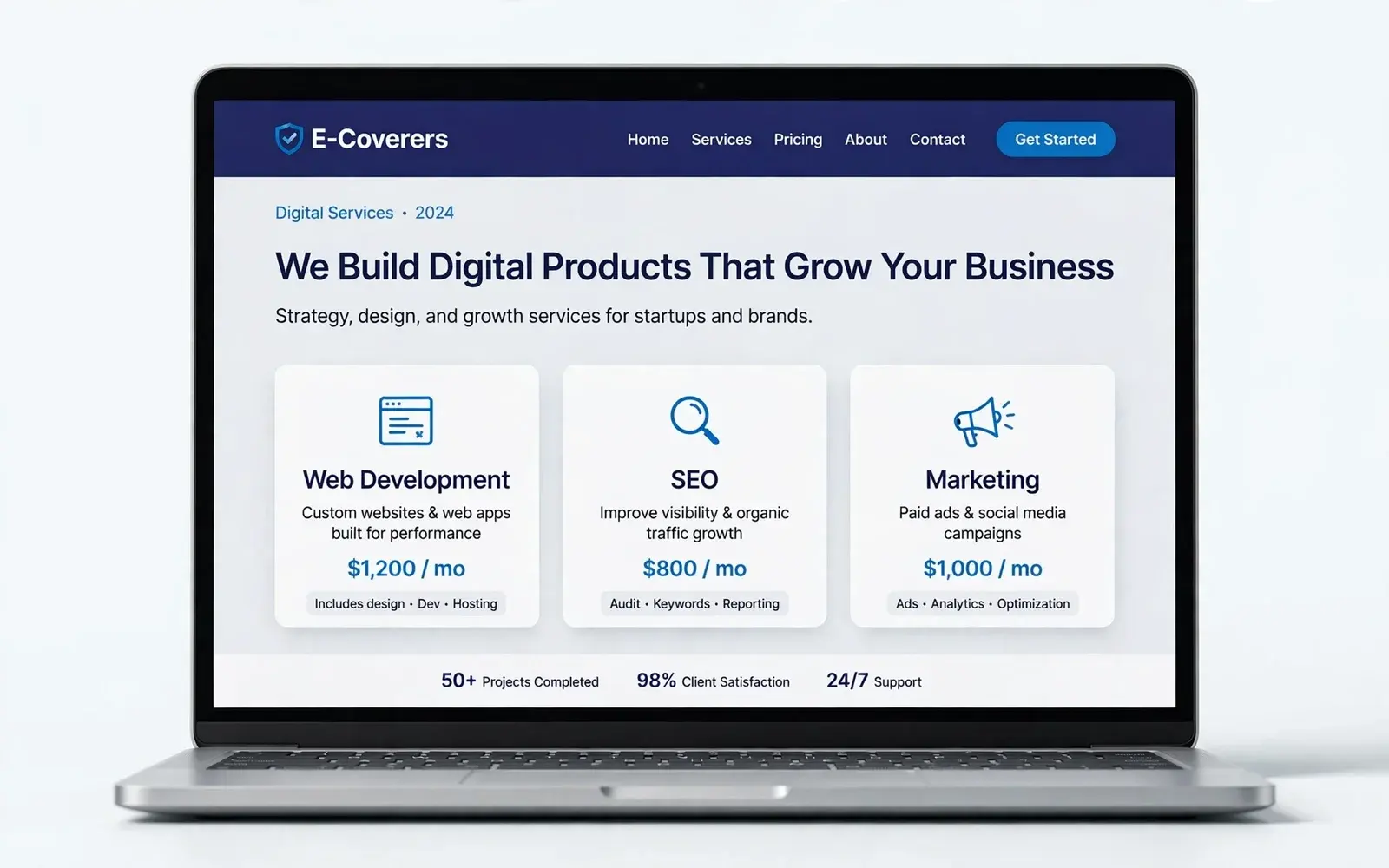
E-Coverers, Next.js Development example
Case study: E-Coverers

Who needs Next.js Development

  • Businesses whose current site is slow or poorly indexed
  • SaaS companies needing a marketing site and app on one stack
  • Teams migrating from WordPress or a legacy React SPA

Problems Next.js Development solves

  • Client-rendered React pages that search engines struggle to index
  • Poor Core Web Vitals hurting rankings and conversions
  • Content updates that require a full developer deploy

Deliverables

What you get with Next.js Development

  1. App Router architecture with server components by default

  2. Static generation for content pages and server rendering where needed

  3. Per-page metadata, canonical URLs, sitemaps and JSON-LD

  4. Image and font optimisation

  5. Headless CMS or structured-content integration if required

  6. Deployment to Vercel or your own infrastructure

Next.js Development illustration

Approach

How I approach Next.js Development

Static where possible, dynamic where needed

Most marketing pages can be prerendered and cached globally. Only the parts that genuinely depend on the user are rendered per request.

SEO built into the architecture

Metadata, canonicals, sitemaps and structured data are generated from the same content model as the pages, so they never drift out of sync.

How projects run, step by step →

Process

Your Next.js Development project, step by step

  1. 1

    Planning

    A call to understand your goals, users and requirements, then a written scope.

  2. 2

    Design

    Wireframes, then a prototype you can click through and approve.

  3. 3

    Development

    Built in stages on a staging link, with your feedback at each milestone.

  4. 4

    Launch

    Quality checks, testing, your approval — then go live.

  5. 5

    Maintenance

    Ongoing support, updates and improvements after launch.

Why Next.js for business websites

Next.js delivers pages as pre-rendered HTML, optimises images automatically and keeps JavaScript small. In practice that means pages that load fast, rank well and are easy for AI search tools to read. This website runs on Next.js.

Common Next.js projects

I use Next.js for:

  • High-performance marketing and service-business websites
  • Headless e-commerce on Shopify, WooCommerce or Stripe
  • SaaS marketing sites with blogs and documentation
  • Web apps combining public pages and logged-in areas
  • Migrations from slow WordPress or page-builder sites

Content editing without a developer

Next.js sites can connect to a headless CMS (such as Sanity, Contentful or WordPress used headlessly) so your team edits pages, posts and products in a friendly interface while the public site stays fast and secure.

Hosting and costs

Next.js sites typically run on Vercel, Netlify, AWS or a VPS. For most business sites hosting costs are low; I recommend a setup based on your traffic and budget and document it so you're never locked in.

FAQ

Next.js Development: common questions

Is Next.js better than WordPress for SEO?

Neither ranks a site on its own. Next.js makes excellent performance and clean markup easier to achieve; WordPress makes editing easier for non-developers. The right choice depends on who maintains the site and how much custom functionality you need.

Can you migrate my existing site to Next.js without losing rankings?

Migrations are planned around a URL map with permanent redirects, preserved metadata and post-launch monitoring in Search Console to protect existing search equity.

Considering Next.js for your next site or a migration?

Share a few details and get a clear, honest plan — usually within one business day.

Start a project