
Skip to content
ZeeshanSoft

UI/UX & Website Design

UI/UX design grounded in how people actually use your product

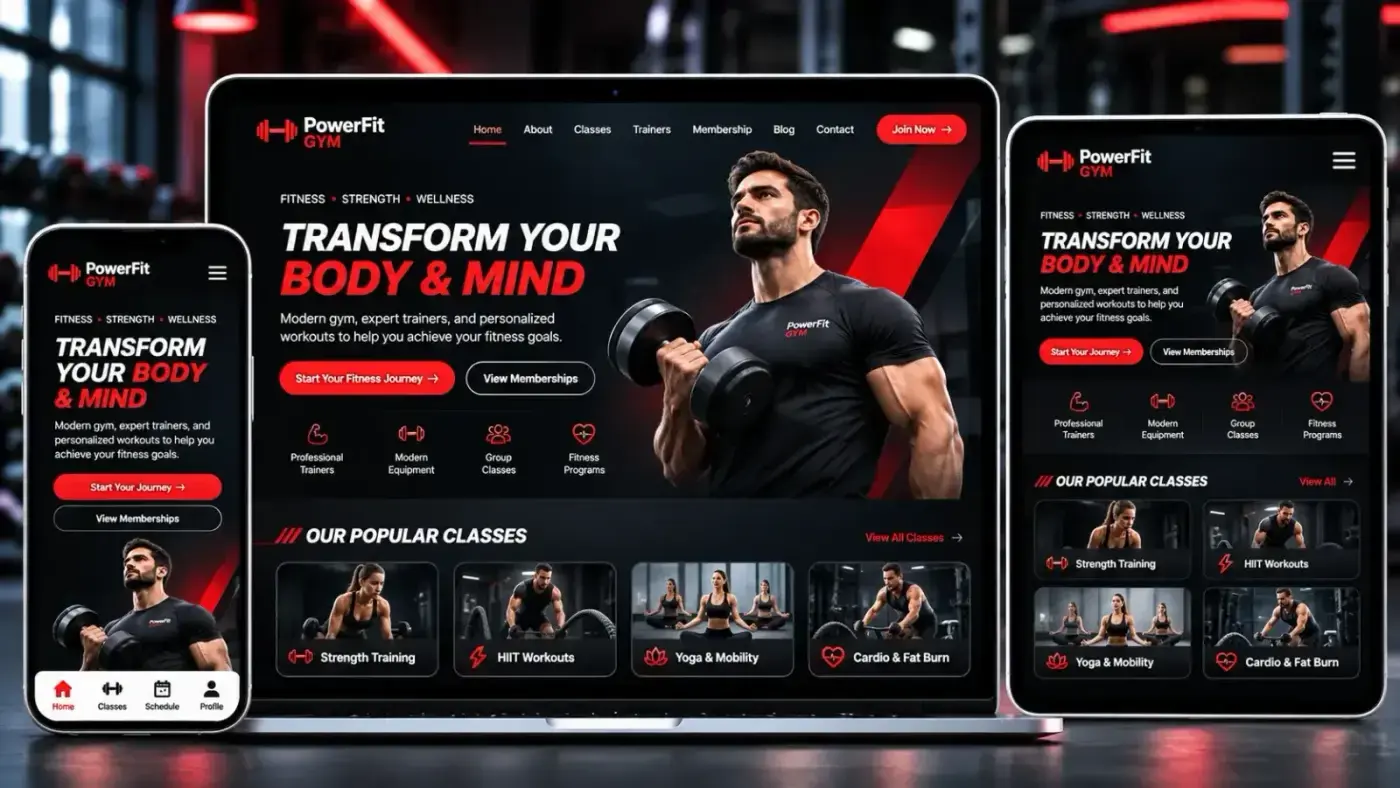
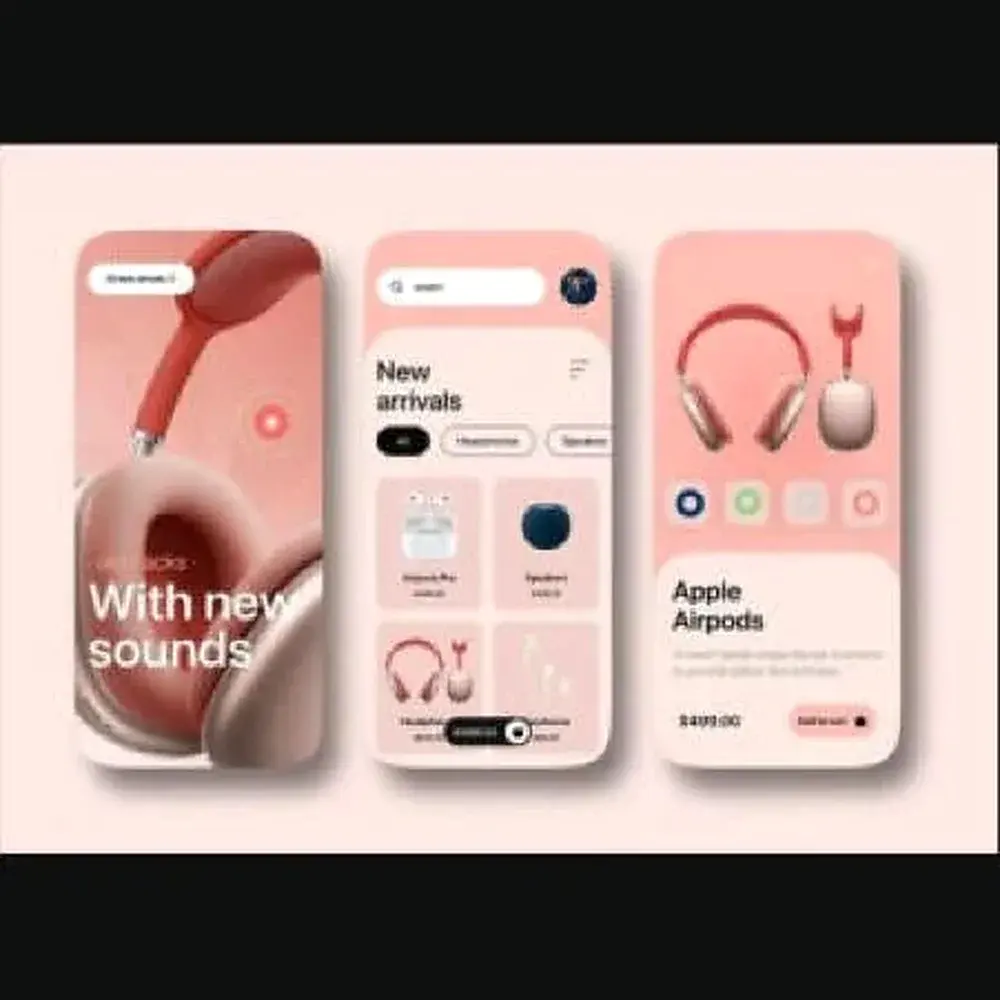
Good design makes the next step obvious. I design websites, dashboards and app interfaces from user flows through wireframes to polished, developer-ready screens — and because I also build them, the designs are realistic to implement.

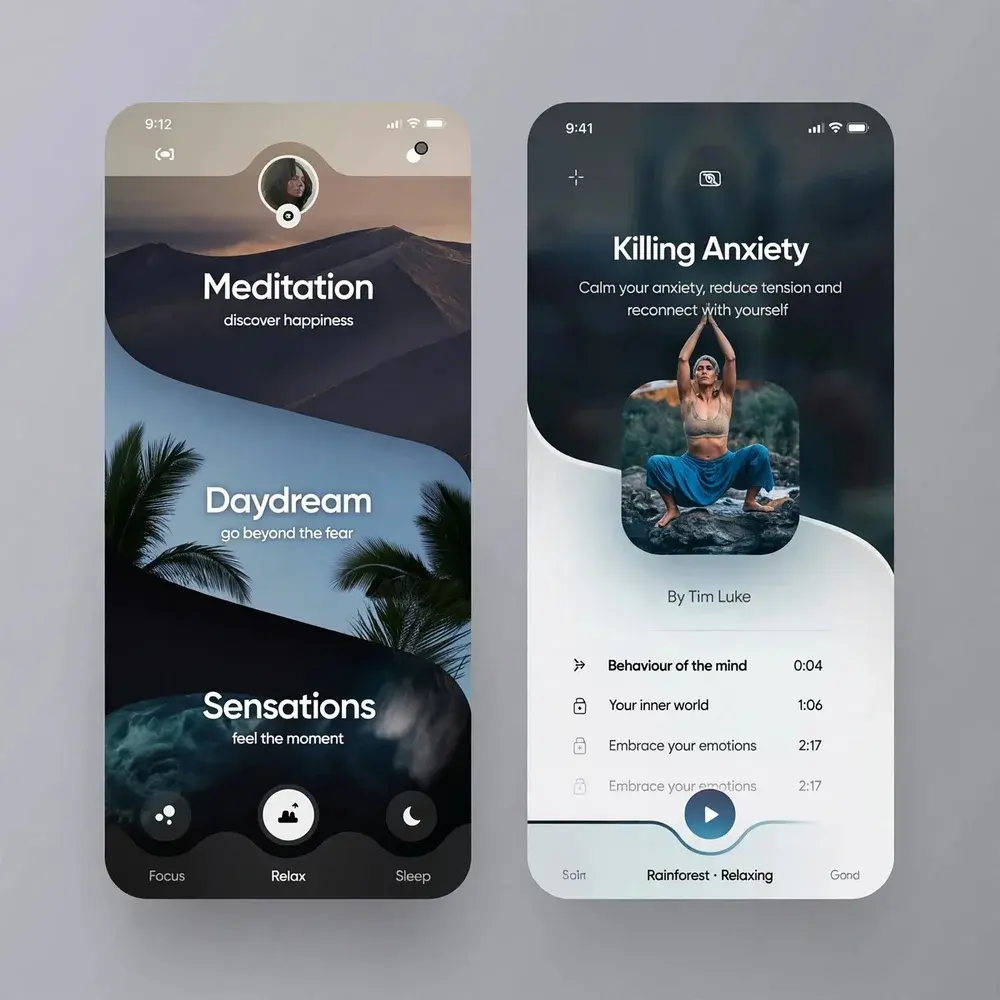
Meditation App, UI/UX & Website Design example
Client work: Meditation App

Who needs UI/UX & Website Design

  • Businesses redesigning a website that underperforms
  • Product teams designing dashboards and apps
  • Founders who need a clickable prototype

Problems UI/UX & Website Design solves

  • Visitors cannot find what they came for
  • Dashboards crowded with data but light on insight
  • Designs that developers cannot build as drawn

Deliverables

What you get with UI/UX & Website Design

  1. User flows and information architecture

  2. Wireframes and clickable prototypes

  3. High-fidelity responsive screens

  4. Reusable design system: type, colour, components

  5. Accessibility review (contrast, focus, labels)

UI/UX & Website Design illustration

Approach

How I approach UI/UX & Website Design

Structure before style

Wireframes settle what goes where and why, so visual design refines a structure that already works.

Designed with the build in mind

Components are defined once and reused, which keeps both the design and the code consistent.

How projects run, step by step →

Process

Your UI/UX & Website Design project, step by step

  1. 1

    Planning

    A call to understand your goals, users and requirements, then a written scope.

  2. 2

    Design

    Wireframes, then a prototype you can click through and approve.

  3. 3

    Development

    Built in stages on a staging link, with your feedback at each milestone.

  4. 4

    Launch

    Quality checks, testing, your approval — then go live.

  5. 5

    Maintenance

    Ongoing support, updates and improvements after launch.

Design that serves the goal

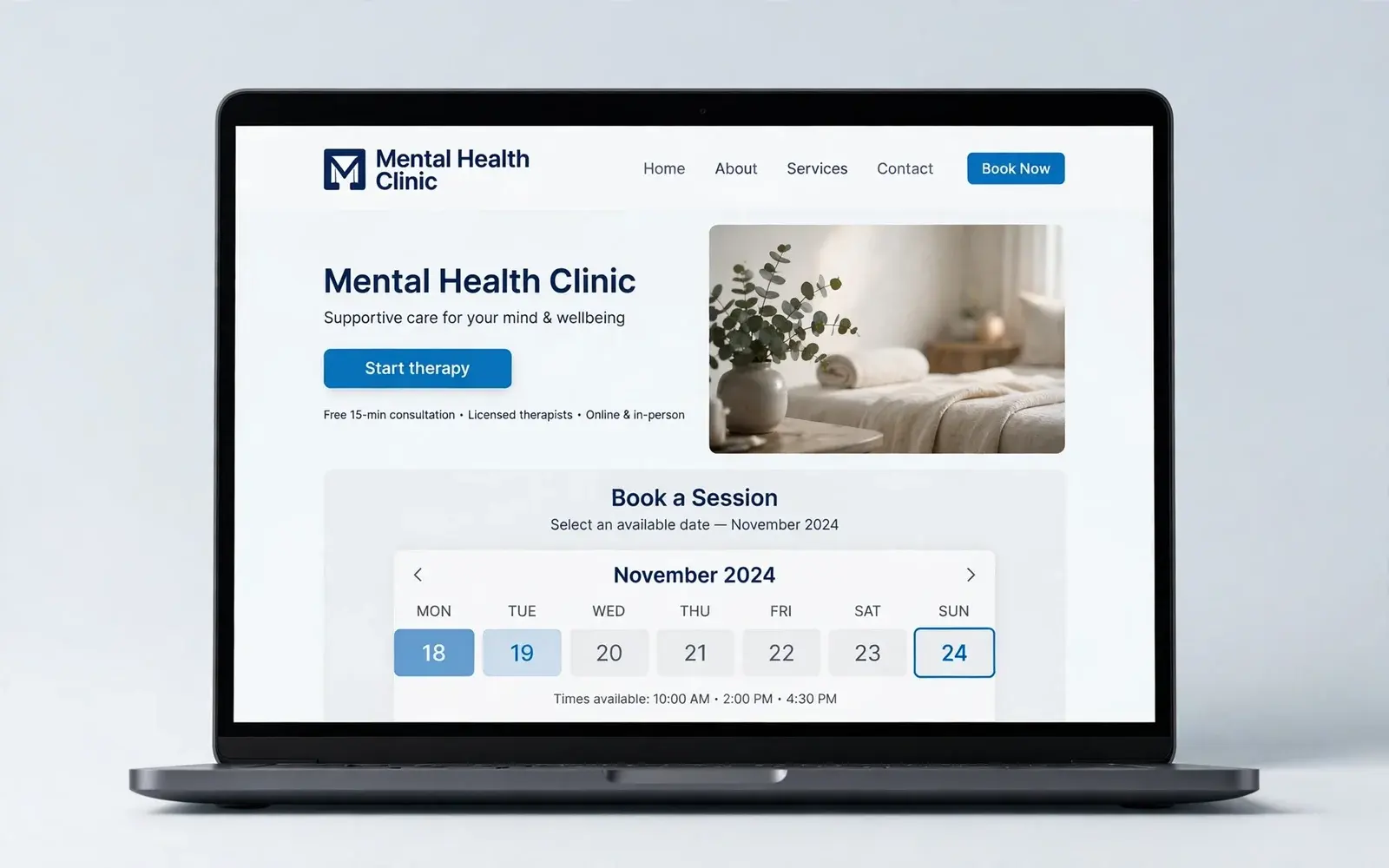
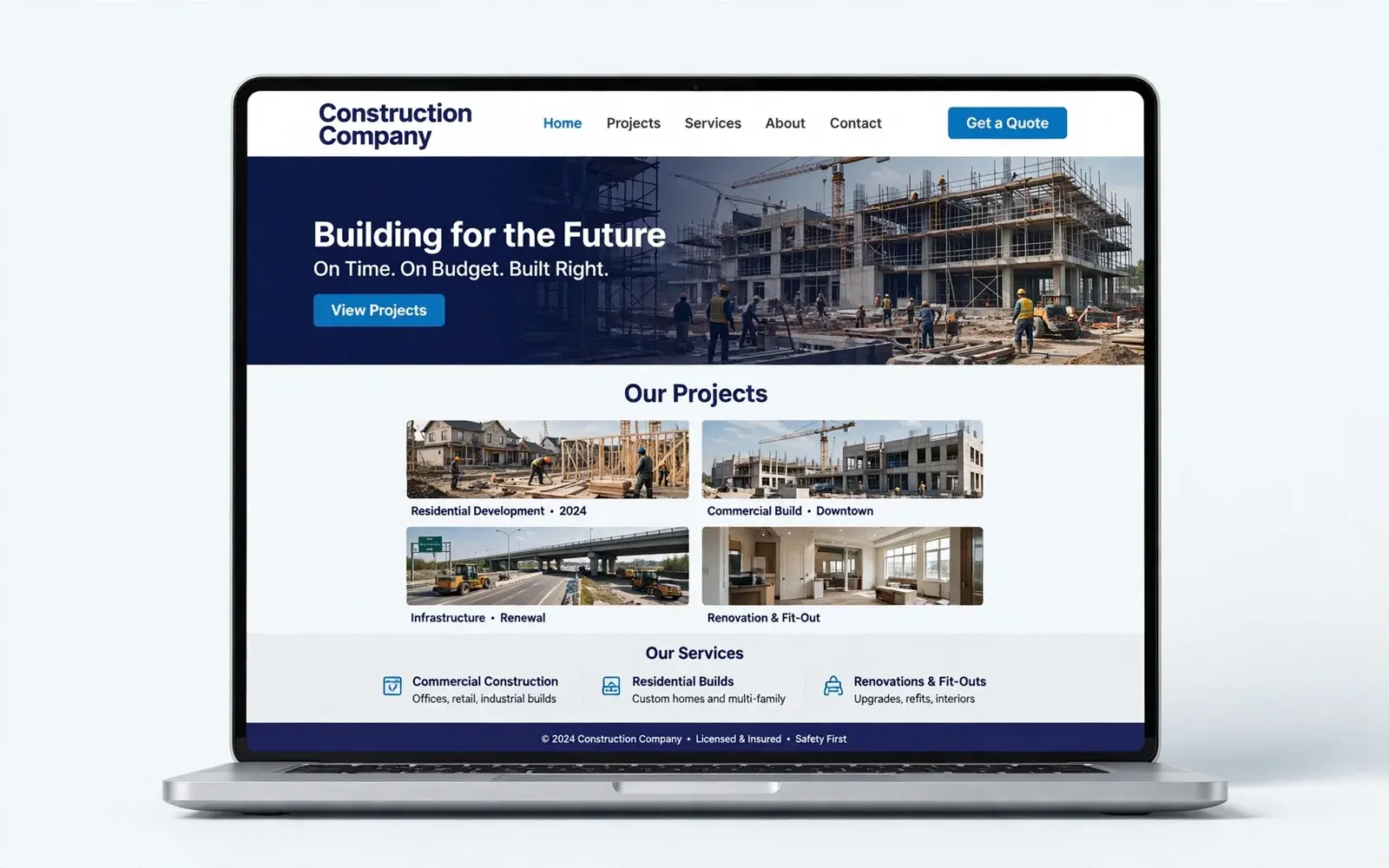
Good UI/UX design starts with what users are trying to do and what the business needs them to do. I map the key user journeys, design the screens in Figma, test them as clickable prototypes and refine before any code is written — which is far cheaper than redesigning after launch.
Design deliverables

A design project typically produces:

  • User journeys and sitemap
  • Wireframes for the key screens
  • High-fidelity designs for desktop, tablet and mobile
  • A clickable prototype for feedback
  • A component library and style guide for development

FAQ

UI/UX & Website Design: common questions

Do you only design, or design and build?

Both are possible. Most clients choose design and development together, which avoids gaps between the mock-ups and the finished product.

Which design tool do you use?

Figma by default, with shareable prototypes you can comment on directly.

Want a clearer, more usable website or app?

Share a few details and get a clear, honest plan — usually within one business day.

Start a project