



Skip to content
ZeeshanSoft

React.js Development

React.js development for interfaces that feel instant

React is my primary frontend tool. I use it to build dashboards, customer portals, booking flows and interactive marketing experiences with components your team can extend later.

Olam Healthcare, React.js Development example
Case study: Olam Healthcare

Who needs React.js Development

  • Product teams that need extra React capacity
  • Businesses replacing jQuery or legacy frontends
  • Startups building an MVP interface

Problems React.js Development solves

  • A frontend that has become hard to change without breaking something
  • Slow, janky interfaces with excessive re-renders
  • Inconsistent UI because components were copied instead of reused

Deliverables

What you get with React.js Development

  1. Reusable, typed React component library

  2. State management with Context, Redux or server-state tools as appropriate

  3. API integration with loading, empty and error states

  4. Responsive layouts built with Tailwind CSS or your existing CSS system

  5. Performance profiling and optimisation

  6. Accessible forms, menus and dialogs

React.js Development illustration

Approach

How I approach React.js Development

Components with clear boundaries

Each component has one job and typed props, so features can be added without rewriting screens.

Server data handled deliberately

Fetching, caching and error handling are designed up front so users never stare at a blank screen.

How projects run, step by step →

Process

Your React.js Development project, step by step

  1. 1

    Planning

    A call to understand your goals, users and requirements, then a written scope.

  2. 2

    Design

    Wireframes, then a prototype you can click through and approve.

  3. 3

    Development

    Built in stages on a staging link, with your feedback at each milestone.

  4. 4

    Launch

    Quality checks, testing, your approval — then go live.

  5. 5

    Maintenance

    Ongoing support, updates and improvements after launch.

When React is the right choice

React is ideal when users do things on your site rather than just read: dashboards, booking flows, configurators, client portals, calculators and real-time interfaces. For mostly static marketing pages, a framework built on React such as Next.js is usually the better fit because it adds SEO-friendly server rendering.
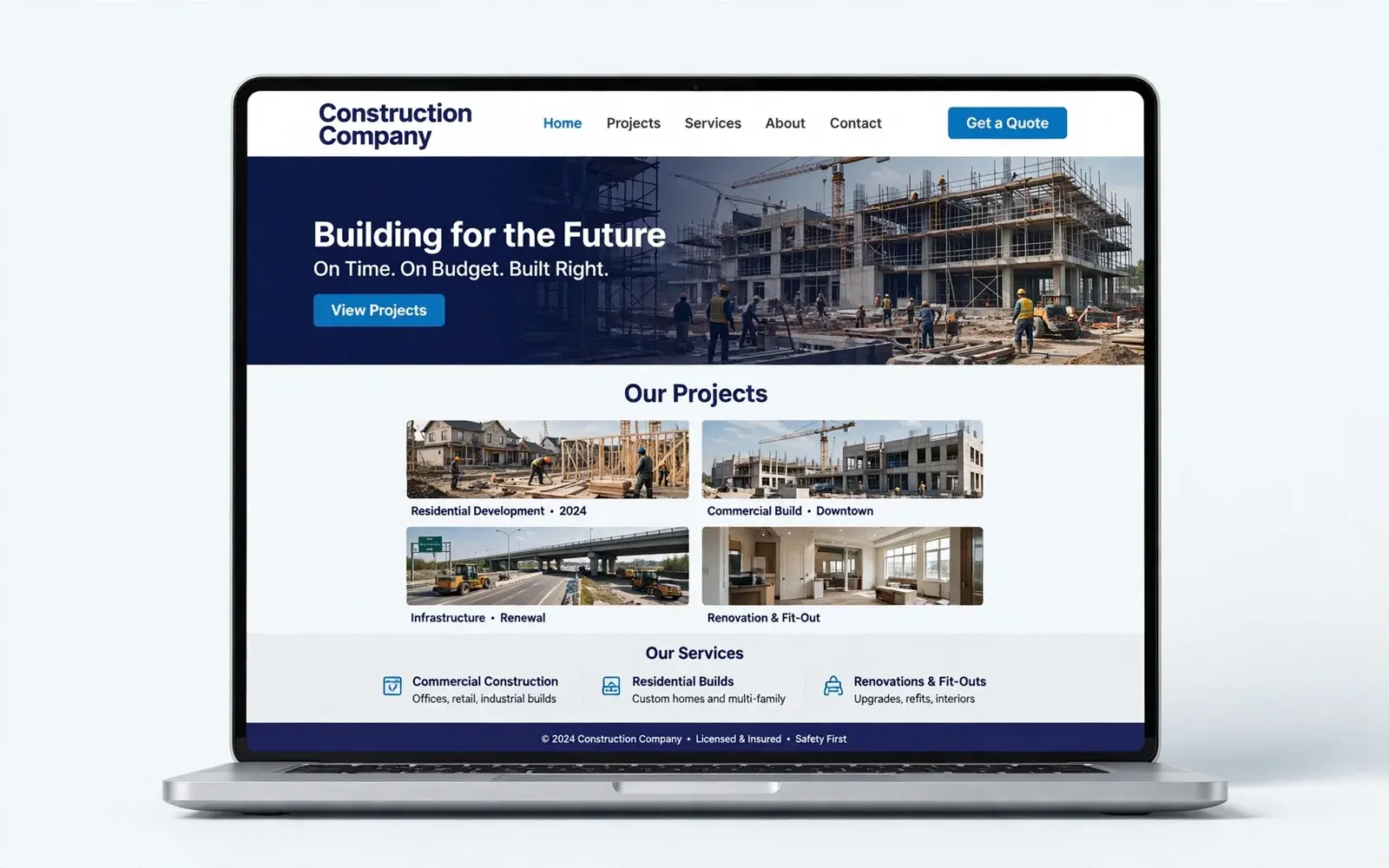
What I build with React

Typical React projects include:

  • Admin dashboards and internal tools
  • Customer portals with logins and account areas
  • Booking, ordering and quote flows
  • Real-time interfaces such as trading screens and tracking maps
  • Figma designs converted into reusable component libraries
  • Frontends for existing APIs and headless platforms

Code you can hand to another developer

Every React project uses TypeScript, small focused components, clear folder structure and documented setup steps. If you ever bring in another developer or an in-house team, they can pick up the code without starting over — that's part of what you're paying for.

FAQ

React.js Development: common questions

Can you work inside our existing React codebase?

Yes. I start by reading the codebase and conventions, then follow them — or propose specific, incremental improvements where they would help.

Should we use React or Next.js?

For public, SEO-sensitive pages Next.js is usually better because it renders on the server. For apps behind a login, plain React with Vite is often enough. I'll recommend based on your use case.

Need a React developer for a new build or an existing app?

Share a few details and get a clear, honest plan — usually within one business day.

Start a project